Signed Software
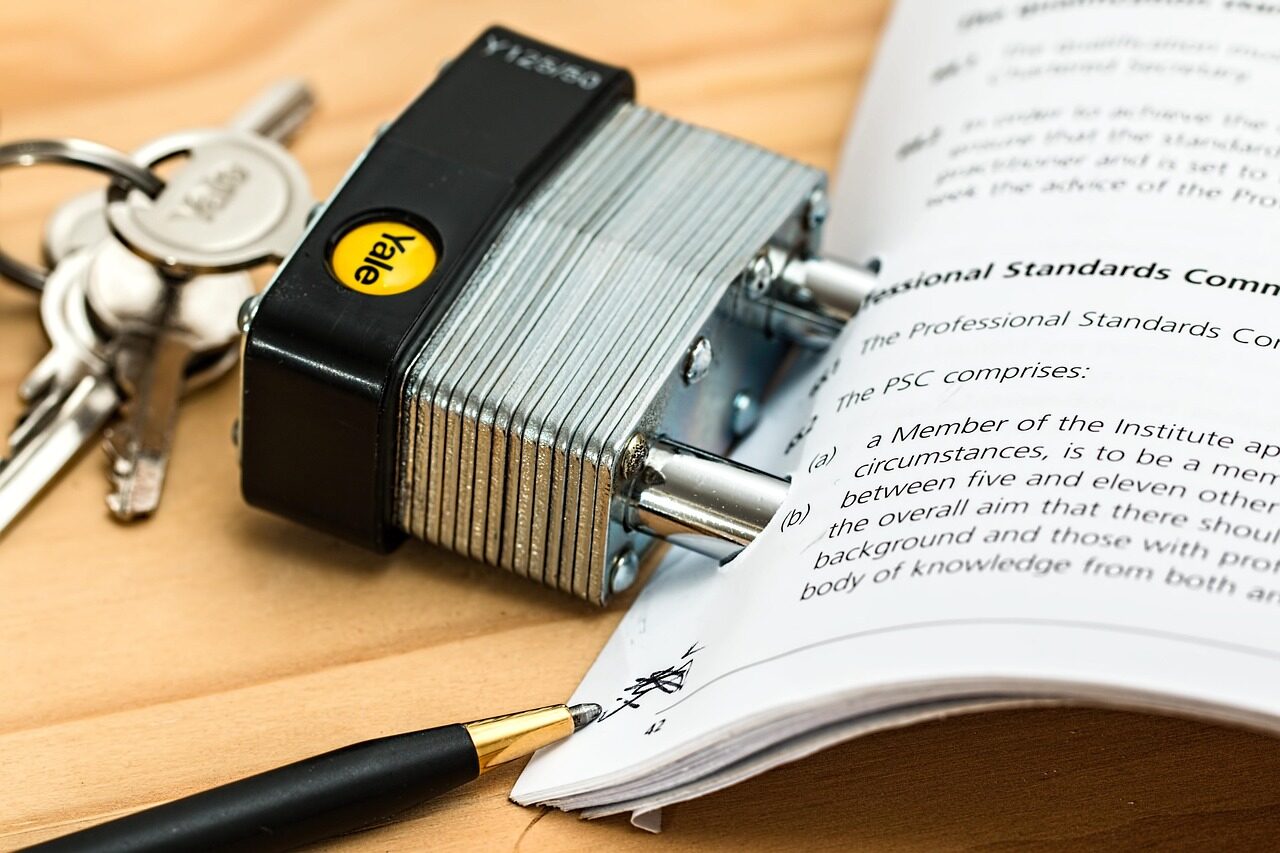
Software carrying a kind of digital seal that lets a system check it is genuine and unaltered.

Returning to a previous, known-good version of software after a change does not go well.
Returning to a previous, known-good version of software after a change does not go well.
A rollback is a graceful step backward. If a new version of a translator causes trouble, a system can return to the version that worked, restoring calm while the problem is understood. It is a way to undo a change that did not turn out as hoped.
The ability to roll back makes change less frightening. It turns an update from a one-way leap into something that can be undone if needed, which encourages keeping software current rather than avoiding updates out of fear.
For a rollback to be possible, the older version has to be kept safely aside before the new one takes its place. A careful system preserves that known-good state in advance, so the path back is always there when it is needed.
A rollback restores the previous behaviour, but it does not by itself explain what went wrong. It buys time and stability, giving people the breathing room to understand the trouble calmly and prepare a better version before trying again.
In practice, a rollback is like keeping the previous draft of a document before making big edits. If the new version turns out worse, you simply return to the saved copy and carry on. Software can step back to a known-good version in exactly the same reassuring way.
We use only essential cookies to keep this educational site working. See our Cookie Notice and Privacy Policy.