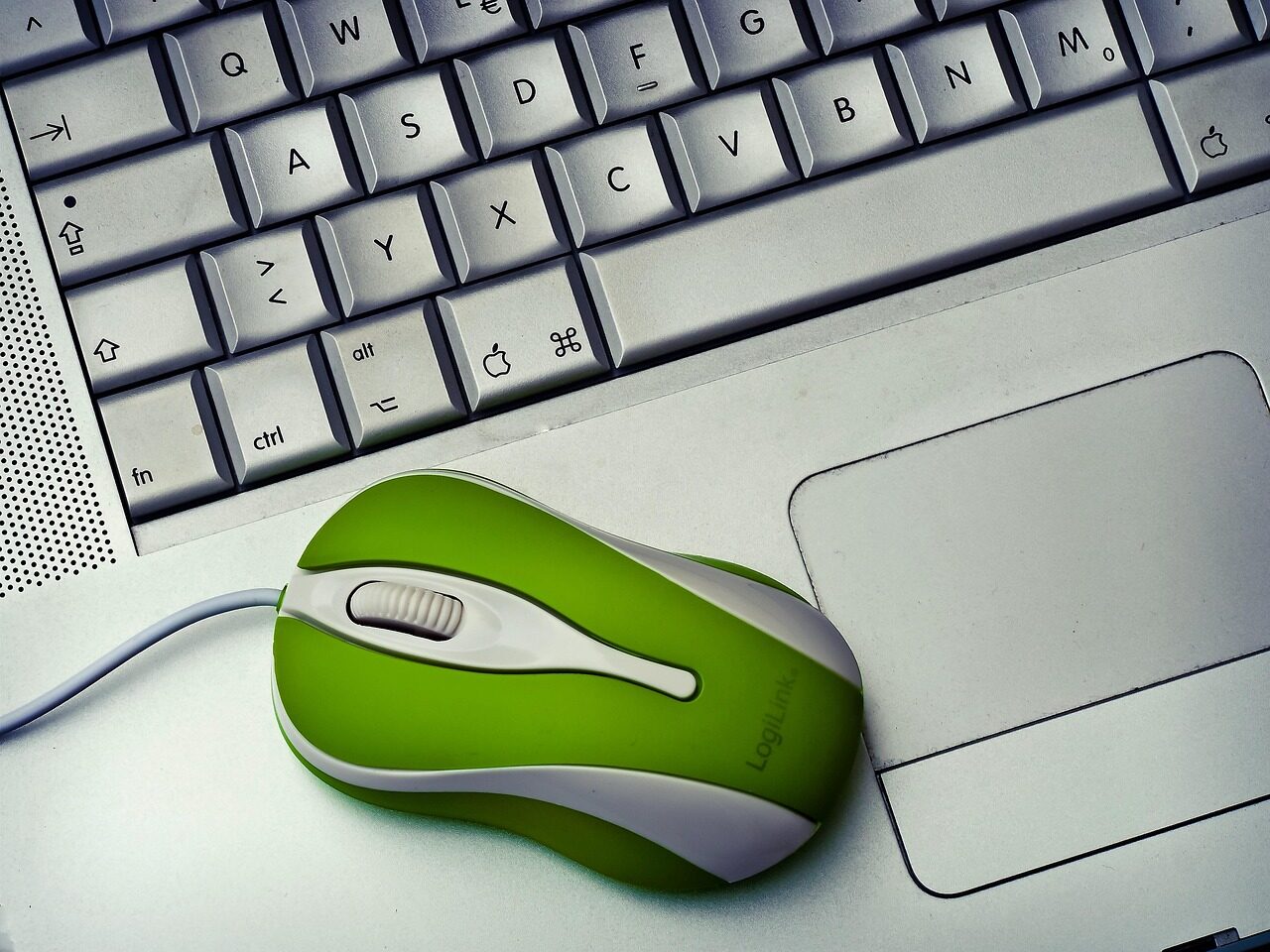
Input drivers turn your physical actions into something software can act on. A key pressed, a cursor moved, a surface touched — each becomes a clean, well-timed event delivered to the program waiting for it. Their whole purpose is to feel like no purpose at all: instant, accurate, and invisible.
- Input drivers convert physical actions into events programs can understand.
- They cover keyboards, pointing devices, touch surfaces, and controllers alike.
- Speed and accuracy matter most — input should feel instant.
- When they work well, the hardware seems to disappear between you and the software.
Turning motion into meaning
Every input device produces raw signals: a contact closing under a key, a sensor reporting movement, a finger touching a surface. On their own these signals mean little. The input driver gives them meaning — this key, this far in this direction, this point on the screen — and packages them as events.
Those events flow to whichever program is currently in focus, in the order they happened, so that what you do and what the software does stay perfectly aligned.
Why responsiveness is everything
Input is the one place where delay is felt most personally. A screen that paints a fraction late is forgivable; a cursor that lags behind your hand is maddening. So input drivers are tuned above all for immediacy — keeping the path from action to event as short and steady as possible.
Accuracy matters just as much. A missed keystroke or a jittery pointer breaks the sense that the machine is responding to you directly. Good input handling is faithful: every action lands, exactly once, exactly as intended.
Many devices, one clean stream
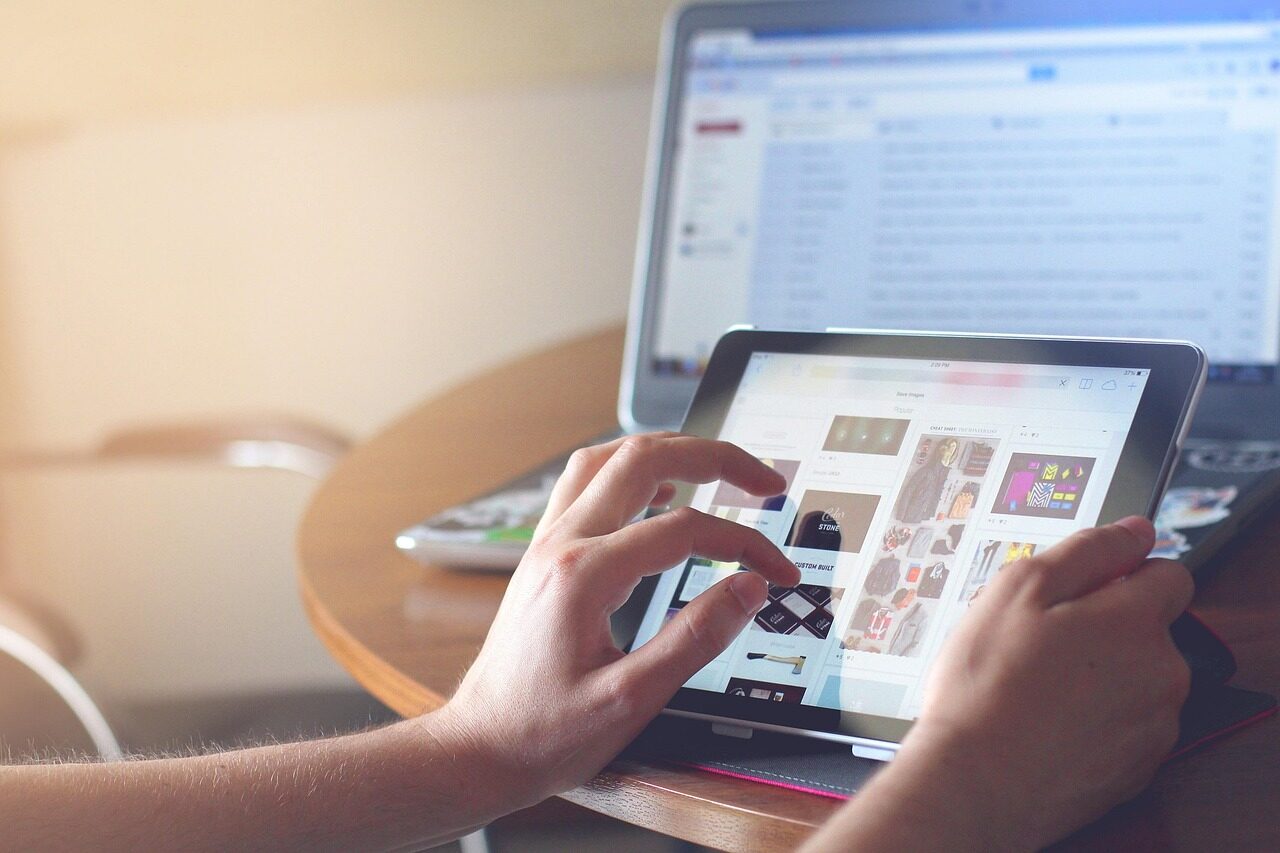
A typical machine has several input devices active at once, each with its own quirks. The driver layer smooths over those differences, presenting programs with a consistent stream of events regardless of the hardware behind them. A program can respond to a press without caring which kind of device produced it.
That uniformity is why software written for one set of devices works happily with another. The driver absorbs the differences so the program never has to.
Why does input feel so much worse when it lags?
Because input is directly tied to your own movement, so any delay is felt immediately and personally. Drivers are tuned to keep the path from action to response as short as possible.
How can the same software work with so many input devices?
Input drivers present a consistent stream of events no matter the hardware. The program responds to the event, not to the specific device that created it.